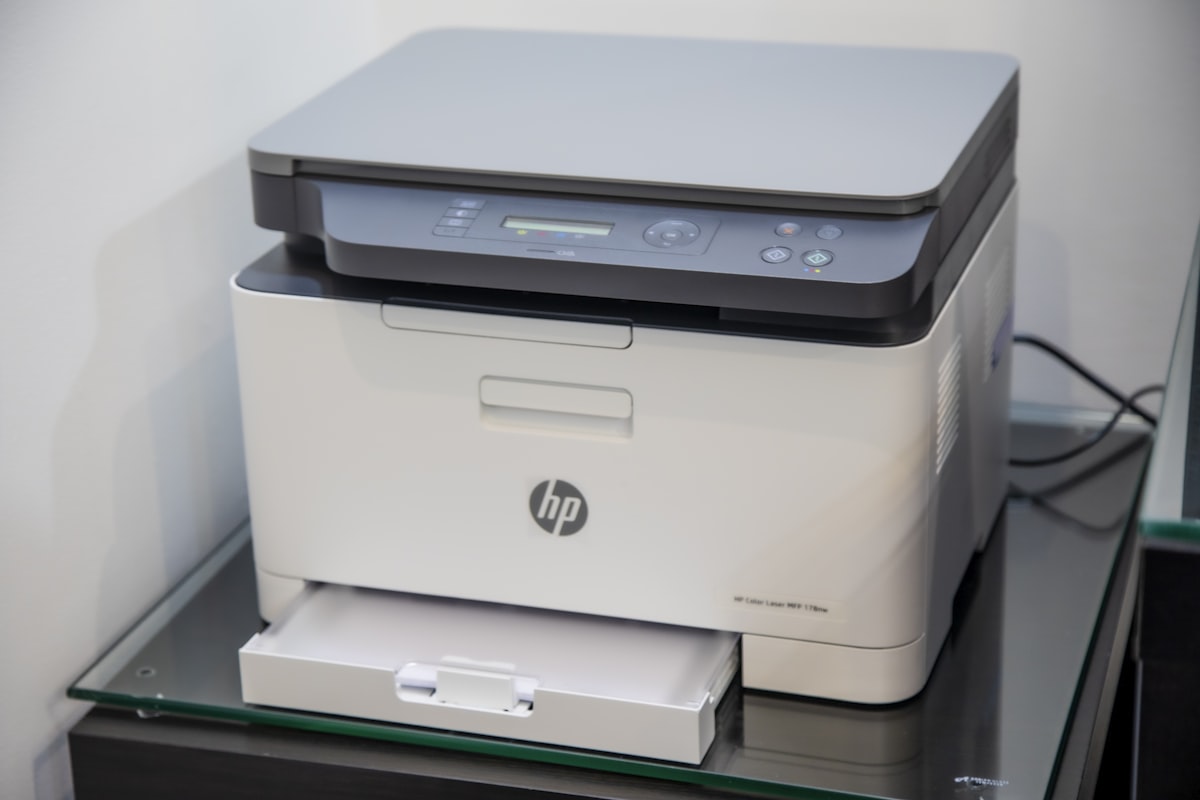
Your dealer says you printed 7,400 pages last month. Your copier display shows 6,200. The difference is $24 in billed charges, which adds up to nearly $300 a year if you do not catch and correct it. Meter reading disputes are one of the most common and most winnable copier billing issues.
Here is how to verify your meter reads, document discrepancies, and win disputes over inflated counts.
How Meter Reads Get Captured
Modern copiers store internal counters that track total pages printed since manufacture, broken down by black, color, simplex, duplex, and sometimes by paper size. The dealer accesses these counters in three ways:
Network connection: The copier reports meter reads automatically over the office network, usually monthly. Most common in 2026.
Remote dial-in: The copier connects via cellular modem or phone line. Older method, still used for offline machines.
Manual submission: You read the counter and email or fax the number to the dealer. Required for non-networked machines.
Each method has potential for error. Network connections can capture readings on inconsistent dates. Remote dial-ins can fail silently. Manual readings can be transcribed incorrectly.
Where Meter Reading Disputes Start
Disputes typically arise from one of these patterns:
1. Date Misalignment
Your contract states monthly billing on the 1st, but the dealer captures meter reads on the 5th. The first reading captures 4 extra days. Each subsequent month captures 4 days from the previous month and misses 4 days from the current. Over 12 months, an extra month of charges accumulates.
2. Estimated Reads
If the dealer cannot pull a reading (network outage, dial-in failure), they often estimate based on prior months. Estimates tend to be conservative for the dealer (high), pushing your bill up.
3. Service Visit Counts
When a technician services your copier, they may run test prints. These pages count toward your meter, and you get billed for them.
4. Paper Jam Pages
A jam often produces partial pages that get counted. Reset events sometimes log pages that were never delivered to the output tray.
5. Bridge Software Errors
Network monitoring software like Lexmark MFC, Canon imageWARE, Konica Minolta Pageprotect, or third-party tools sometimes report wrong counts due to firmware bugs or configuration errors.
How to Verify Your Meter Reads
Step 1: Find the Counter on the Copier
On most multifunction copiers, navigate to: Menu > User Tools > Counter. Or: Settings > Information > Total Counter. Each manufacturer has a slightly different path.
Note: Total Counter, Black Counter, and Color Counter are usually shown separately. You want the same numbers your dealer is reading.
Step 2: Read on the Same Date the Dealer Pulls
If your dealer reads on the 1st, you read on the 1st. Same time, same day. Note the numbers in a spreadsheet or notebook.
Step 3: Compare Monthly
Subtract last month’s read from this month’s read. The difference is your true monthly volume. Compare against the dealer’s billed volume.
Step 4: Reconcile Differences
Small differences (under 50 pages) can be explained by service visit prints or rounding. Larger differences need explanation.
The Documentation Process
Every dispute needs a paper trail. Build it as follows:
Date and time of every meter read you take
Photo of the copier display showing the counter
Email confirmations from your dealer showing what they captured
Copies of every invoice with disputed amounts highlighted
Written communications with the dealer about each dispute
Keep a folder, physical or digital, dedicated to copier billing. Five minutes a month of documentation can save thousands over a 60 month lease.
How to Submit a Dispute
Step 1: Email First
Within 30 days of receiving the disputed invoice, send a polite, factual email. Include:
The invoice number and date
The disputed line item and amount
Your meter reading on the relevant dates
The dealer’s stated meter reading
The difference and resulting overcharge
A request for explanation or correction within 14 days
Step 2: Follow Up With Certified Mail
If no response in 14 days, send the same dispute via certified mail with return receipt. The certified record gives you legal weight if the dispute escalates.
Step 3: Withhold the Disputed Portion (Carefully)
Some experts recommend paying the undisputed portion only and withholding the disputed amount. Be careful: many lease contracts treat any nonpayment as default. Read your contract before withholding. A safer approach is to pay in full and pursue a refund on the corrected amount.
Step 4: Escalate to State AG or BBB
If the dealer refuses to correct, file complaints with your state attorney general consumer protection division and the Better Business Bureau. These add pressure without litigation cost.
What Most Guides Miss: The Counter Reset Issue
Some copier service procedures reset specific page counters during major repairs, software updates, or part replacements. The total lifetime counter usually does not reset, but billing-relevant counters sometimes do.
If your meter shows a sudden jump or reset event, ask the dealer for service records covering that period. Reset events should be documented in the service log with the technician’s name and the reason.
If the dealer cannot produce service records around a reset event, the burden is on them to justify any post-reset billed pages. This is a strong negotiating position for refund or credit.
The 12 Month Cap
Most copier service contracts limit how far back a dealer can dispute or correct meter reads. Industry standard is 12 months. After that, the read stands as billed.
This cap protects you from surprise charges, but it also limits how far back you can pursue refunds. Audit your meter reads regularly so you catch issues within the recovery window.
Preventing Disputes Before They Start
Take meter reads monthly, on the same day every month
Confirm with the dealer in writing that their monthly read date matches yours
Use a network-connected copier with email-confirmed monthly readings
Save every monthly invoice in a single folder for easy comparison
Set a calendar reminder to compare meter reads against invoices monthly
For more on managing copier billing, see our guides on overage charges in copier leases and copier lease overcharging.
Ready to Compare Copier Lease Quotes?
Ready to compare copier lease quotes from verified dealers in your area? CopierFinder connects you with pre-vetted local providers so you can compare real pricing, not ballpark estimates. No obligation. No sales pressure. Just honest numbers so you can make the right call for your business.