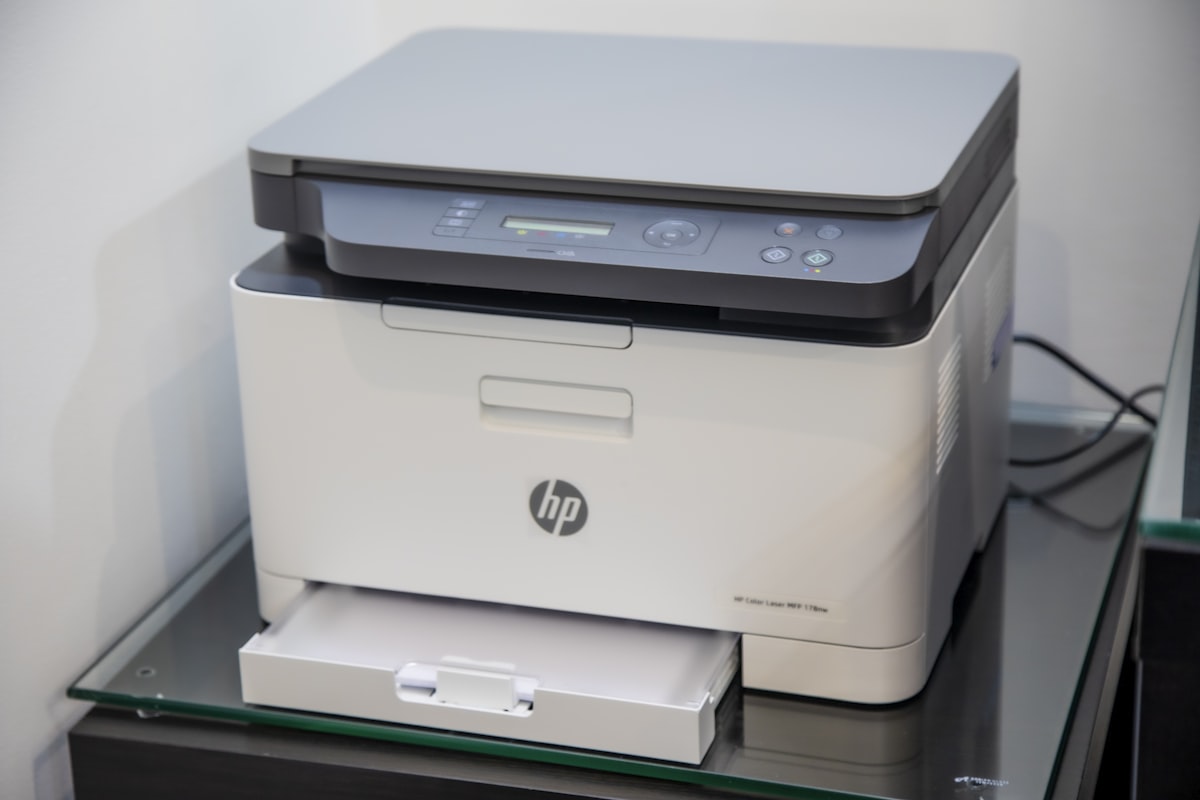
The dealer tracks every page your copier prints. Most office managers do not, which is exactly why billing errors and overage surprises continue to cost businesses thousands of dollars over the lease term. Tracking usage takes 10 minutes a month if you set it up right, and it pays back in caught errors and informed renewal negotiations.
Here are the five most reliable methods to track copier lease usage and the trade-offs of each.
Why Tracking Matters
Without your own usage data, you cannot:
Verify dealer-reported meter reads
Catch overage charges before they appear on a surprise invoice
Negotiate volume commitments accurately at renewal
Identify departments or users that drive most of the cost
Build a defensible record if disputes escalate
Most dealers count on customers not tracking. The 10% to 25% of customers who do track usage are the ones who consistently negotiate better terms and avoid the worst billing surprises.
Method 1: Built-In Copier Counter
Every modern copier has internal page counters accessible through the device’s user interface or web admin panel. To find them:
On the copier display: Settings > Counter > Total. Or User Tools > Counter Display.
On the web interface: Type the copier’s IP address into a browser. Log in with admin credentials. Look for “Counter,” “Usage,” or “Reports.”
What it captures: Total pages by type (black, color, large format, scan, fax). Some machines also show duplex vs simplex.
How to use: Take a screenshot or photo on the same day each month. Save in a dedicated folder.
Cost: Free. The capability is built in.
Limitations: Manual collection. No user-level breakdown. Single device only.
Method 2: Manufacturer’s Cloud Reporting
Major manufacturers offer cloud-based device monitoring tools. Examples:
HP Web Jetadmin: Free for HP devices. Tracks fleet usage and supplies.
Canon imageWARE Enterprise: Subscription-based. Detailed reporting.
Konica Minolta DispatcherPhoenix: Mid-tier reporting and routing.
Ricoh Streamline NX: Integrated reporting and document management.
Xerox CentreWare Web: Free fleet management for Xerox devices.
What they capture: Device-level page counts, supply levels, error logs, sometimes user-level data.
How to use: Install the software on your network. Connect the copier. Pull monthly reports.
Cost: Free for entry-level versions. $5 to $30 per device per month for advanced features.
Limitations: Each manufacturer has its own platform. Multi-vendor offices need multiple tools.
Method 3: Print Management Software
Vendor-neutral platforms that track all printers and copiers regardless of manufacturer:
PaperCut: Most popular. Per-user tracking, rules-based printing, cost allocation. $5 to $15 per user per month.
uniFLOW (Canon-owned but vendor-agnostic): Enterprise-grade with strong security features.
Equitrac (Lexmark-owned): Healthcare and legal-focused. Strong audit trail.
YSoft SafeQ: Cost recovery and detailed reporting.
What they capture: User-level prints, departmental cost allocation, rule enforcement (force black and white, duplex), security (release printing only after badge swipe).
How to use: IT installs server software. Each computer prints through the management server. The server captures every print job and applies rules.
Cost: $5 to $20 per user per month, plus implementation.
Limitations: Requires IT setup. Adds complexity to print workflow. Not worth the cost for offices under 10 users.
Method 4: Spreadsheet Tracker
Low-tech but effective for small offices. Build a Google Sheet or Excel file with these columns:
Date
Machine ID
Total black counter
Total color counter
Black pages this period (calculated)
Color pages this period (calculated)
Dealer-billed black pages
Dealer-billed color pages
Difference
Notes
Pull the counter on the 1st of each month. Update the sheet. The “difference” column flags any month where dealer billing does not match your reading.
Cost: Free.
Limitations: Manual collection. Easy to skip a month. Not user-level.
Method 5: Dealer Portal Access
Most dealers offer customer portals where you can view invoices, meter reads, and service history. Examples include the dealer’s instance of Compass, e-Automate, or proprietary platforms.
What they capture: Whatever the dealer has captured. You see what they see.
How to use: Log in monthly. Pull the meter reading report. Compare against your own counter.
Cost: Free.
Limitations: You are seeing the dealer’s data, not independent verification. If the dealer’s data is wrong, the portal shows the wrong number.
What Most Guides Miss: The Audit Loop
Tracking is only useful if you act on what you find. The audit loop:
Capture: Pull the counter on day 1 of the month.
Compare: Get the dealer invoice. Verify against your captured counter.
Confront: If there is a discrepancy over 50 pages, email the dealer.
Confirm: Get written response with corrected billing.
Continue: Do this every month, not just once.
Skipping any step makes the tracking useless. The audit loop takes 15 minutes a month and saves hundreds to thousands per year for most offices.
Setting Up the Right System for Your Office
1 to 5 employees, 1 copier: Method 1 (built-in counter) plus a spreadsheet (Method 4). Total cost: free. Time per month: 10 minutes.
5 to 25 employees, 1 to 3 copiers: Method 2 (manufacturer cloud) plus spreadsheet. Total cost: free to $50/month. Time per month: 20 minutes.
25+ employees, multi-vendor fleet: Method 3 (PaperCut or similar) plus dealer portal. Total cost: $200 to $1,500/month. Time per month: 30 minutes (mostly automated).
Reports Worth Generating Monthly
Total pages by machine
Black vs. color split
Top 10 users (if you have user tracking)
Volume trend (rolling 12 month chart)
Cost per page (total cost / total pages)
Variance from committed volume (over or under)
These six numbers in a one page monthly summary give you everything you need for billing verification, renewal negotiation, and identifying cost reduction opportunities.
For more on managing copier costs, see our guides on copier lease hidden fees and copier lease overcharging.
Related Guides
Ready to Compare Copier Lease Quotes?
Ready to compare copier lease quotes from verified dealers in your area? CopierFinder connects you with pre-vetted local providers so you can compare real pricing, not ballpark estimates. No obligation. No sales pressure. Just honest numbers so you can make the right call for your business.