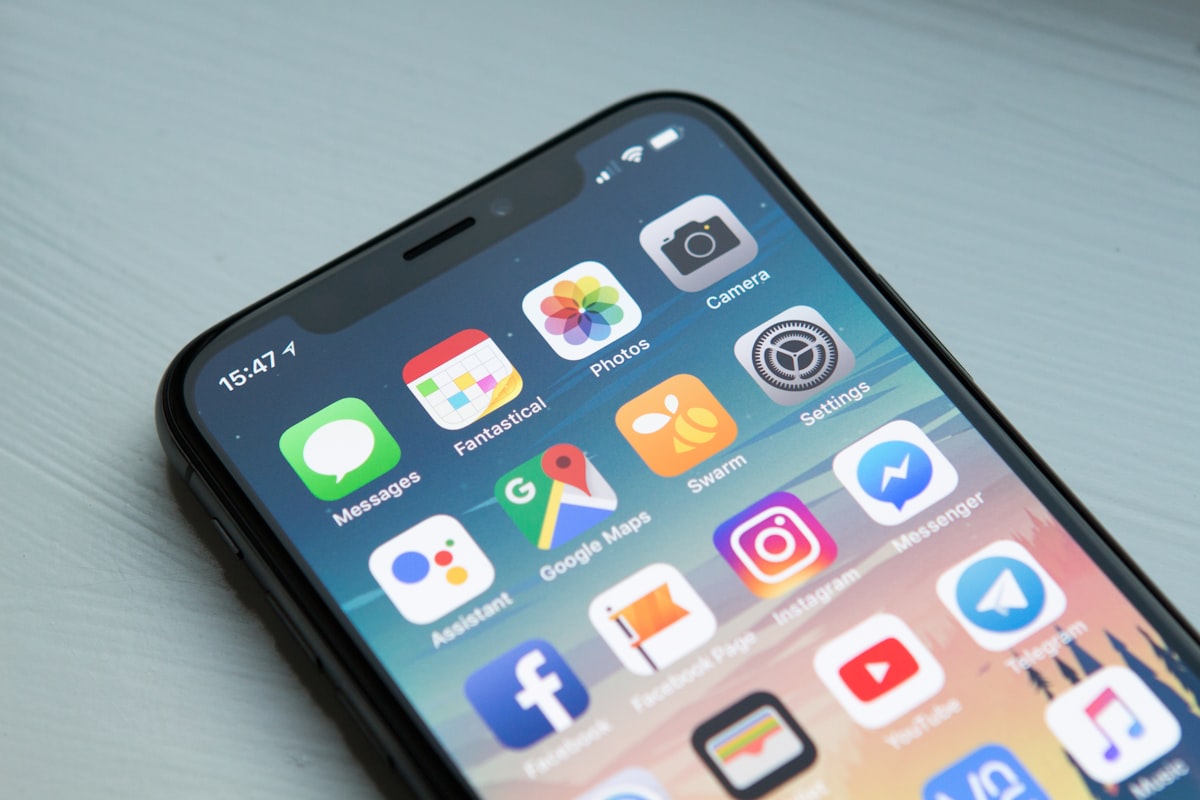
Half your team is on MacBooks, everyone has an iPhone, and the copier the dealer wants to put in requires a driver download and a printer queue setup on every device. That is a support problem you do not need. AirPrint solves it, most leased copiers already support it, and the reason it does not work in a lot of offices has nothing to do with the machine.
What AirPrint Does and Does Not Do
AirPrint is Apple's driverless printing standard. A Mac, iPhone or iPad finds a compatible printer on the same network and prints to it with no driver, no software and no setup. Tap share, tap print, pick the machine, done.
What you get: basic print controls. Copies, page range, duplex, paper size, color or black and white, and on many machines paper tray selection.
What you do not get: stapling and finishing options on most models, secure release with a PIN unless the manufacturer adds it, department codes for cost allocation, and any advanced finishing like booklet making or hole punch. Those need the full driver or the manufacturer's own app.
That trade is fine for the majority of everyday printing and a problem for the person producing bound proposals. Most offices end up with AirPrint for everyone and the full driver installed on the two or three machines that do finishing work.
Almost Every Leased Copier Already Supports It
AirPrint support is standard on essentially every current business multifunction from Ricoh, Xerox, Canon, Konica Minolta, Sharp, Kyocera, Toshiba and HP. It has been standard for years. You should not pay a cent extra for it, and if a quote has an AirPrint line item on it, question that quote generally.
The two places it gets thin. First, entry level or older refurbished machines, where support may be present but limited to basic options. Second, machines where AirPrint is disabled by default in the security settings and has to be turned on, which is a five minute job for whoever installs it.
Put it in the quote as a requirement anyway. One line: device must support Apple AirPrint and Mopria with no additional license. That way it is a specification the dealer signed up to rather than a thing you assumed.
Why It Does Not Work on Your Network
Nine times out of ten, AirPrint failing in an office is a network issue, not a copier issue. AirPrint finds printers using Bonjour, which is Apple's implementation of multicast DNS. Multicast traffic does not cross network segments by default.
So the classic failure looks like this. Staff on the wired network print fine. Anyone on the wifi cannot see the copier at all, because the wifi runs on a separate VLAN and the multicast discovery packets never reach the printer's segment. The copier is working perfectly and everyone thinks it is broken.
Three fixes, in order of preference. Enable an mDNS reflector or Bonjour gateway on your switch or firewall to forward discovery between the staff wifi VLAN and the printer VLAN. Most business grade equipment from Ubiquiti, Meraki, Aruba and Fortinet supports this and it takes minutes. Or put the printers on the same VLAN as staff devices, which is simple but weaker on security. Or skip discovery entirely and add the printer manually by IP address, which works but has to be done on every device.
Do not put printers on the guest network to make discovery easy. Guest networks usually have client isolation on, so it will not work, and if it does work you have just made your copier reachable by every visitor.
What to Ask the Dealer at Install
Four questions, all worth asking before the technician leaves.
Is AirPrint enabled in the device security settings, and which features are exposed. Confirm duplex and tray selection show up on a phone, not just on a Mac.
Is Mopria enabled too. Mopria is the Android and Windows equivalent and it uses the same discovery mechanism. Turning both on costs nothing and covers the whole office.
Does the machine have a static IP or a DHCP reservation. AirPrint tolerates address changes, but manually added printers do not, and a copier that changes IP after a power cut generates a week of tickets.
How does secure release work with AirPrint. This is the important one. Standard AirPrint prints immediately, which defeats hold and release. Manufacturers handle it differently: some support a PIN prompt through AirPrint, others require their own mobile app for held jobs. If you rely on release printing, find out before install. See copier lease user authentication for how release printing is normally set up.
For staff who are off the network entirely, AirPrint will not help because it needs local discovery. That is a cloud print job, covered in cloud printing setup on a leased copier, and it is a separate configuration.
What Most Guides Miss
AirPrint quietly costs you money, and it is a colour problem.
Here is what happens. Driver based printing lets you set defaults centrally: black and white, duplex, single sided only when someone asks. AirPrint does not respect your driver defaults, because there is no driver. It uses the device defaults on the copier itself, and on most machines the factory setting is color and single sided.
So an office that carefully configured everyone's driver to default to black duplex, then rolls out AirPrint for the iPhones and MacBooks, watches its color page count climb without anyone changing behaviour. Color pages cost $0.045 to $0.13 each against $0.006 to $0.024 for black. A shift of 2,000 pages a month from black to color is roughly $80 to $220 a month, so $4,800 to $13,200 over a 60 month lease, entirely by accident.
The fix is to set the defaults on the machine, not on the computers. Every business multifunction lets you set the device level default to black and white and duplex, and force color to be a deliberate choice. Ask the technician to do it at install and to confirm the setting applies to AirPrint jobs specifically, because on some models the mobile path reads a different setting than the panel default.
Better still on machines that support it: restrict color printing to authenticated users or specific groups, so mobile jobs from a phone default to black unless the person releasing it chooses otherwise. Then check the meter after 60 days. If your color mix jumped after an AirPrint rollout, the setting did not take. Track it using our guide to tracking copier lease usage.
Ready to Compare Copier Lease Quotes?
Ready to compare copier lease quotes from verified dealers in your area? CopierFinder connects you with pre-vetted local providers so you can compare real pricing, not ballpark estimates. No obligation. No sales pressure. Just honest numbers so you can make the right call for your business.