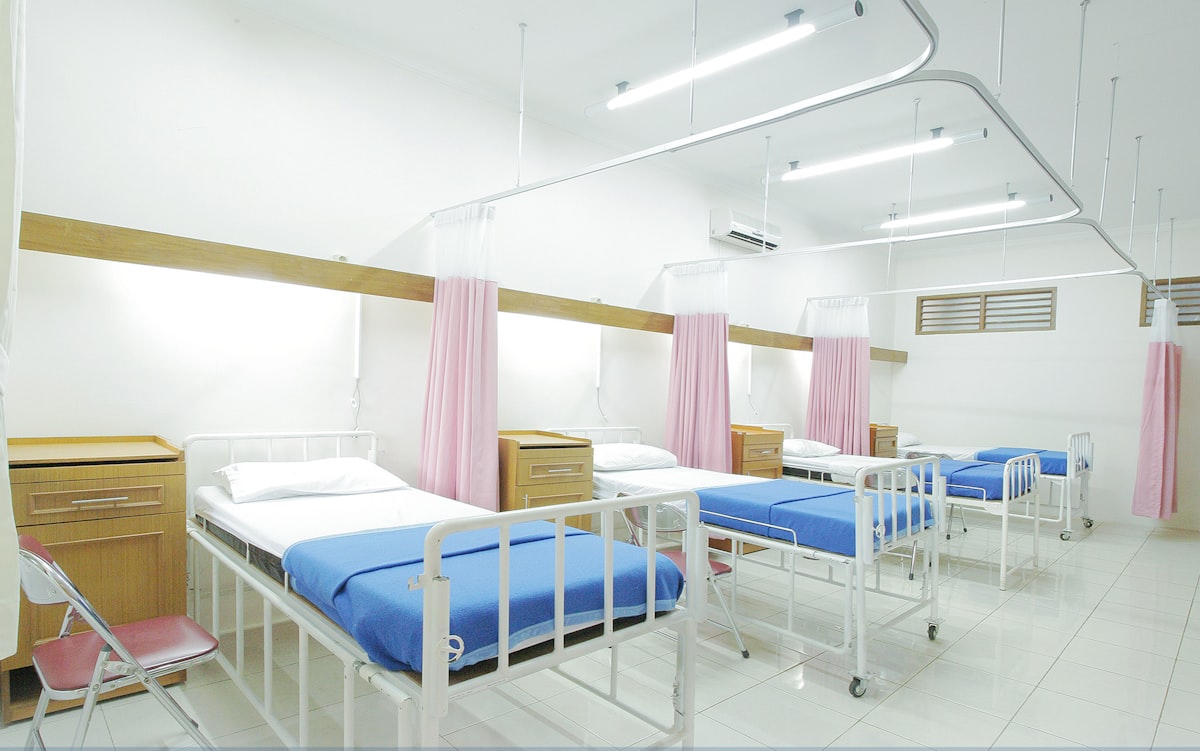
A hospital does not lease a copier. It leases a fleet, sometimes 20 machines, sometimes 200, spread across nursing units, billing, medical records, the lab, and administration. Each department thinks its needs are unique, procurement wants one contract, and IT wants every device on a secure, managed network. A hospital copier lease program has to serve all three at once. Here is how the good ones are built.
Fleet Pricing, Not Per Machine
Buying copiers one at a time is how hospitals end up with nine brands and no leverage. A fleet program consolidates everything under one lease and one service contract. Per device costs typically run $200 to $850 a month depending on speed and finishing, but the real savings come from the cost per copy. At fleet volume, expect to negotiate roughly $0.006 to $0.008 per black page and $0.05 to $0.06 per color page, well below what a single office pays.
Standardizing on one or two device models also cuts training, parts, and toner sku sprawl. When every floor runs the same machine, a nurse who moves units already knows the panel and IT stocks one set of parts.
Managed Print Services and Cost Recovery
Most hospital programs are structured as managed print services, where the vendor monitors every device, ships toner automatically before it runs out, and dispatches service on alerts rather than phone calls. Pair that with print management software and you get cost recovery: every print and copy is tracked to a department or a cost center, so radiology sees its own volume and billing sees its own. That visibility alone usually cuts total print volume by 10 to 20 percent in the first year because departments finally see what they use.
Security and Badge Release
Hospitals move protected health information across every one of these machines, so security is not optional. Badge release, where a job only prints when the user taps an ID badge at the device, keeps patient records from sitting in a shared output tray on a busy floor. Combine that with drive encryption and secure erase, and require the vendor to sign a Business Associate Agreement covering the whole fleet. Our medical office copier lease guide covers the same controls at single office scale.
Service Level Agreements That Match a 24/7 Building
A copier down in an outpatient office is an annoyance. A copier down in medical records at 2 in the morning can stall discharges. Your lease should include a written service level agreement with a guaranteed on-site response, often four hours for critical devices, and uptime commitments with penalties if the vendor misses them. Ask for loaner coverage so a hard failure does not leave a unit without a working device. Bundling this into the lease is cleaner than a separate contract, and our copier lease with service agreement guide explains what to demand.
What Most Guides Miss
The insight most fleet articles skip is that the lease term and the technology refresh should be written as one clause, not two. Hospitals sign 60 month fleet leases and then get stuck for five years with machines that fell behind on security firmware in year three. A well built program includes a mid-term refresh or a tech guarantee that lets you swap aging units without penalty. Negotiate the right to refresh a percentage of the fleet each year. In a building that runs on uptime and compliance, a frozen five year fleet is a liability, not a savings.
Getting the Program Started
Start with an assessment. A good vendor will walk every floor, count devices, and measure actual volume before quoting. Insist on that data before you sign anything, because a program priced off a real fleet audit is the only one that holds up. To compare full service structures, our copier lease with maintenance included guide shows what a complete bundle should contain.
Integration With Your EHR and Network
A hospital copier is a networked endpoint, and IT will treat it like one. Before you sign, confirm the fleet supports the security standards your health system requires: encrypted hard drives, secure boot, current firmware, and integration with your identity system for badge release. The devices should also scan directly into your EHR or document management system, not just to email, so a scanned consent form lands in the right chart automatically.
Get IT and information security in the room during vendor selection, not after. A machine that fails a security review in month two becomes a compliance problem across every floor it sits on, and swapping a whole fleet is far more painful than vetting it once up front. The best programs include a written commitment to keep firmware current for the life of the lease, so a vulnerability found in year three gets patched across the fleet rather than leaving 200 devices exposed. Treat security as a lease requirement, not an afterthought.
Ready to Compare Copier Lease Quotes?
Ready to compare copier lease quotes from verified dealers in your area? CopierFinder connects you with pre-vetted local providers so you can compare real pricing, not ballpark estimates. No obligation. No sales pressure. Just honest numbers so you can make the right call for your business.